CashDrop500 Cash
Source checked:
Build a car from rolled parts, bolt on weapons and defenses, then drive into escalating zombie waves. Distance and kills earn cash for better parts and permanent skills.
Updates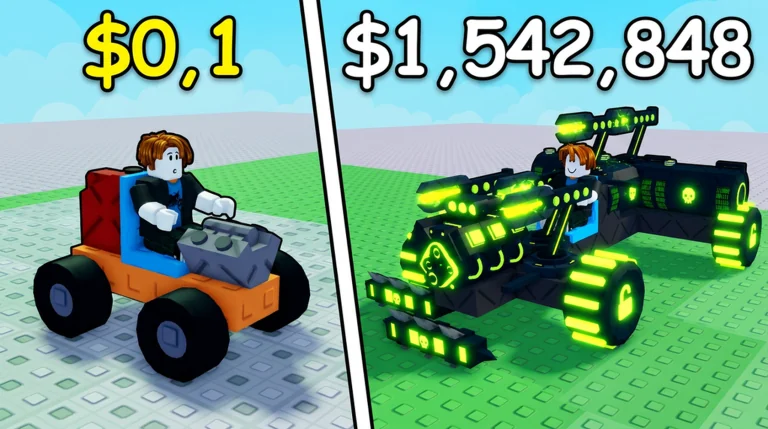
Follow the roll, build, drive, earn, and upgrade loop from your first engine to your first banked payout.
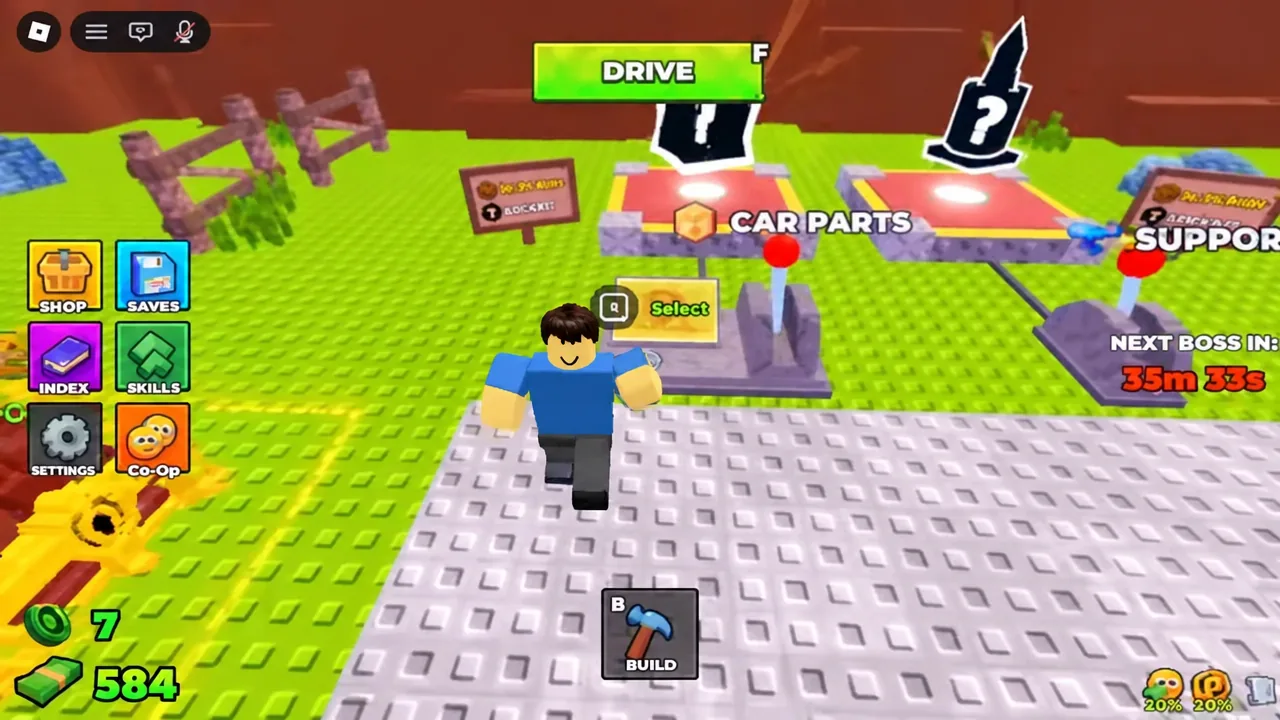
Use the CAR PARTS station and get a moving build started.
Place the chassis, engine, wheels, fuel, and a working seat before weapons.
Put a contact weapon on the front face so it reaches zombies first.
Press F or the green DRIVE button and push through zombie waves.
Choose a focused path for progression, vehicle builds, supports, rolls, rewards, runs, or boss events.
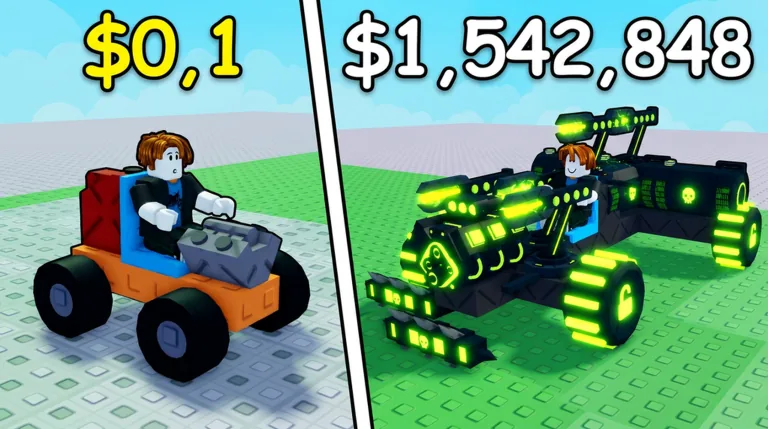
Build and Kill Zombies is a Roblox simulation and sandbox survival game built around constructing a vehicle and sending it into waves of zombies. Your car combines chassis pieces, engines, wheels, fuel, weapons, and defensive supports.
Each run turns distance and zombie kills into cash that can fund better rolls and permanent skills. Fuel capacity, total weight, support placement, roll rarity, and the ordered skill tree shape how far a build can survive.
Explore All GuidesDeveloper
Zombie Car Crusher
Platform
Roblox
Genre
Simulation / Sandbox
Launch
Aug 19, 2026
Max Players
5
Core Loop
Roll • Build • Drive • Upgrade
Part Categories
Blocks • Engines • Wheels • Fuels
Persistent Progress
Skill Tree
Use a movement-first checklist, then add fuel and weapons without turning the chassis into dead weight.
Place the chassis, engine, wheels, fuel, and working seat first.
Parts snap to highlighted positions; confirm the engine and wheels are attached.
Put contact weapons on the front face and keep ranged weapons clear of the chassis.
Compare distance, handling, or cash before keeping the new setup.
Complete both Roblox account requirements, reload the game, and collect the lobby chest.
Use the thumbs-up control on the Build and Kill Zombies game page.
Open the developer community page and join it.
Enter a fresh server so the account checks run again.
Walk into the marked lobby area to collect the reward.
Turn run income into targeted parts and supports, then use every result to improve the next build.
Finish runs and bank distance plus zombie-kill income.
Target vehicle parts at CAR PARTS or mounted supports at SUPPORTS.
Results show rarity and odds, while duplicates remain usable spares.
Use the new pieces and permanent luck skills to improve future attempts.
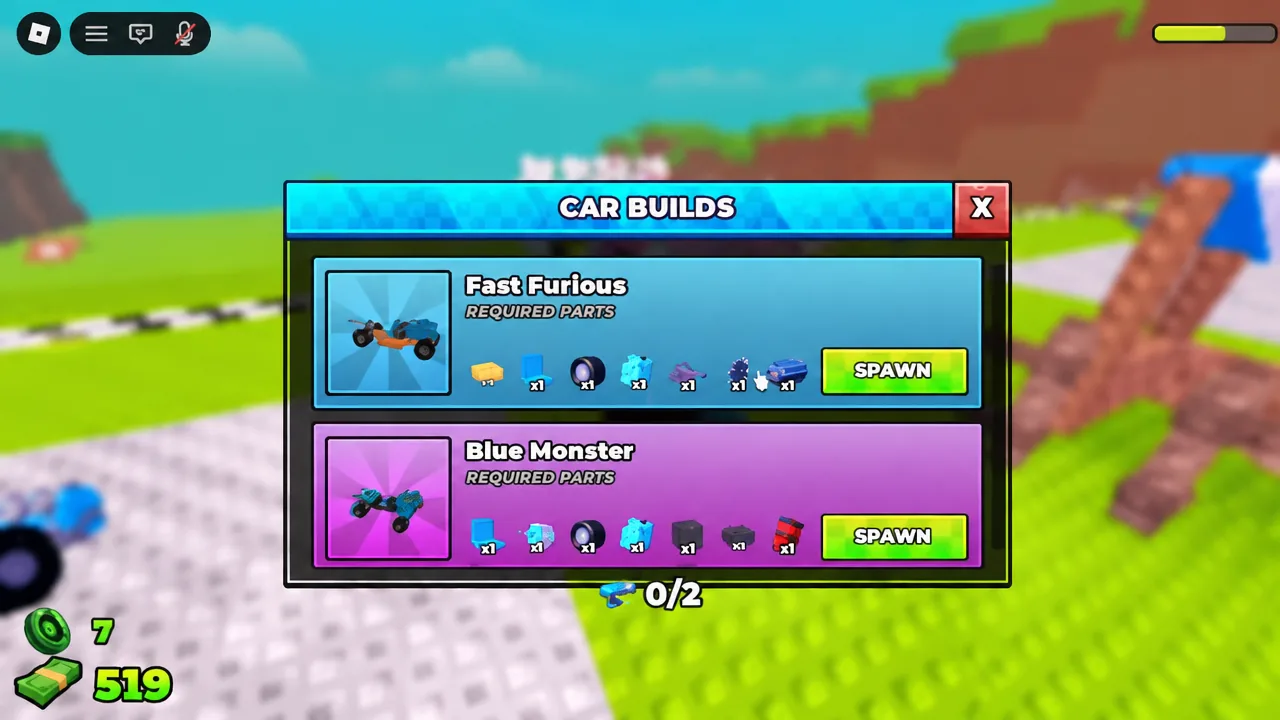
Compare the two named layouts by the kind of run and income source you want to prioritize.
| Blueprint | Best for | How to get it |
|---|---|---|
| Fast Furious | Speed-focused distance runs | Collect every listed part or buy the blueprint with Robux |
| Blue Monster | Heavier builds with more weapon slots | Collect every listed part or buy the blueprint with Robux |
Protect early income by extending runs first, targeting useful rolls, and buying permanent skills at the right time.
Fuel sets the early limit on run length and distance income.
Better engines, fuel, and weapons improve the next payout loop.
Permanent luck improves future rolls at both machines.
It costs thousands of Cash and belongs after the early luck ranks.
Match contact and ranged supports to the part of the chassis where they can actually reach zombies.
Mount Shredder and Glass Cylinder pieces on the front face so they touch zombies before the car does.
Face a Crossbow forward and keep its line of sight clear past the chassis edge.
Roof or rear placements may never make contact or fire, while still adding weight.
Change one placement at a time and compare the next run with the previous build.
Current code availability, rewards and source-check dates.
CashDropSource checked:
COMMUNITYSource checked:
CRYPTCRAWLERSource checked:
DOCTORSORDERSSource checked:
FORGESource checked:
HOLLOWSource checked:
HOLLOWKINGSource checked:
IAMPROSource checked:
MOREFRIENDSSource checked:
TRUSTTHEJUICESource checked:
ZEUSSource checked:
| Code (click to copy) | Rewards | Status | Source checked |
|---|---|---|---|
CashDrop | 500 Cash | Reported active | |
COMMUNITY | 1,000 Cash1 Small Engine1 Small Tank | Reported active | |
CRYPTCRAWLER | 250 Crypt Tokens | Reported active | |
DOCTORSORDERS | 250 Crypt Tokens | Reported active | |
FORGE | 50 Crypt Tokens | Reported active | |
HOLLOW | 50 Crypt Tokens | Reported active | |
HOLLOWKING | 100 Crypt Tokens2x Luck | Reported active | |
IAMPRO | 5,000 Cash | Reported active | |
MOREFRIENDS | 2 Passenger Seats | Reported active | |
TRUSTTHEJUICE | 100 Crypt Tokens4x Luck | Reported active | |
ZEUS | 50 Lightning Tokens | Reported active |
Quick answers about building, progression, rewards, and surviving longer runs.
Plan smarter rolls, build a balanced car, and push your next run beyond your current distance record.